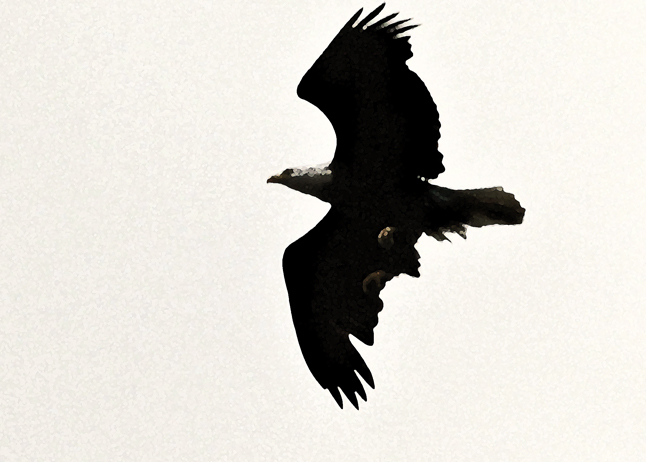
Took this picture against a gray sky so there was not much background to deal with so I tried the paint daubs artistic filter in Photoshop CS5. It is an ok picture, but does not do justice to this magnificent bird. Any suggestions?
Took this picture against a gray sky so there was not much background to deal with so I tried the paint daubs artistic filter in Photoshop CS5. It is an ok picture, but does not do justice to this magnificent bird. Any suggestions?
Art, Photo tutorials, Photos, Wildlife
eagle photo, gray sky, magnificent bird, Photoshop CS5, travel photo
July 18, 2012


 Passing Through . . . .
There are many ways to deal with a picture like that. I first try the Highlights and Shadows sliders in Lightroom 4.1. Photoshop CS6 also has Highlights and Shadows sliders in its Camera Raw utility, but you need that RAW file. I’m working on getting Photoshop CS6 to do all the things that I currently do in Lightroom. Once I accomplish that, then I suspect it will be Photoshop CS6 all the way.